Domain Rating Check vs Ahrefs, Moz and Majestic: a quick test
A small real estate agency rarely has an SEO department.
Nguyễn Minh Khánh
Content Creator
Mục lục:
A small real estate agency rarely has an SEO department. It has a marketing coordinator who also runs the listings feed, the open-home posts and the suburb guides. When a mortgage broker, a conveyancer or a local lifestyle blog offers a link swap or a sponsored post, that person has to decide fast whether the other site is worth the effort. Property is a trust business, and a link from a thin or spammy site can cost more than it earns. This article looks at how a free tool for comparing site authority scores, one that lives at domainratingcheck.com and goes by Domain Rating Check fits that job, and how it stacks up against the three names most marketers already know: Ahrefs, Moz Link Explorer and Majestic.
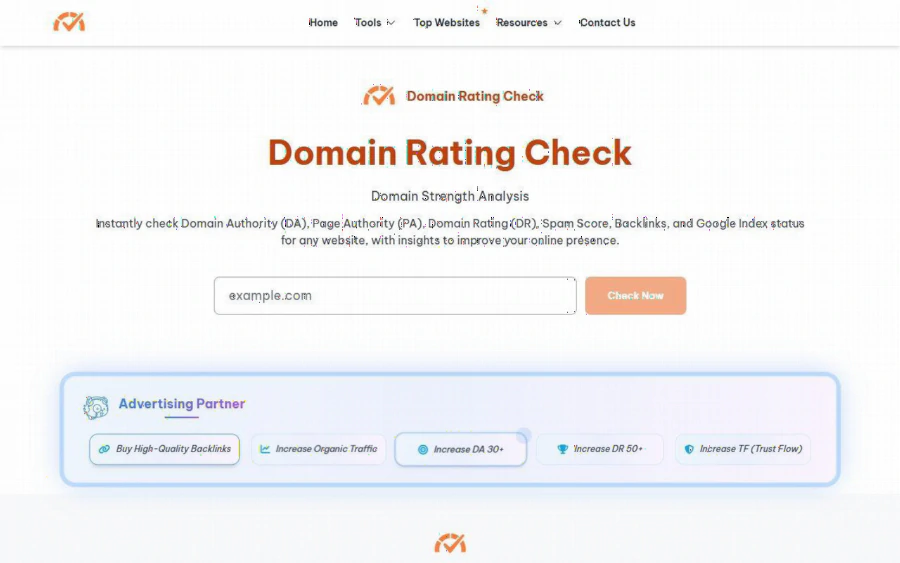
Domain Rating Check homepage with a single domain box, a Check Now button and a description listing DA, PA, DR, Spam Score, backlinks and Google index status
The situation: three offers, one afternoon
Picture a coordinator at a suburban agency who receives three proposals in a week. A mortgage broker wants to exchange links between a "buying your first home" guide and the agency's finance page. A neighborhood blog wants a paid mention in its "best streets to rent" roundup. A property investor newsletter offers a guest slot. None of them will share their traffic numbers, and the coordinator has no budget for a full SEO suite just to say yes or no.
The need here is narrow. It is not deep competitor research. It is a quick, repeatable screen: how strong does this domain look, how many sites link to it, and does anything look off? That is the job a lightweight checker is built for, and also the job where the choice between a free tool and a paid suite actually matters.
What the site offers
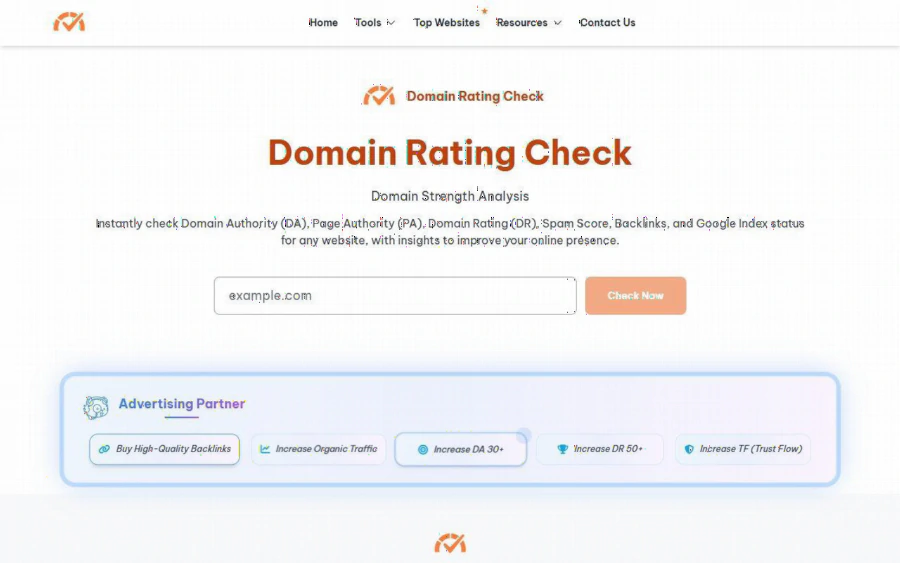
According to the homepage, Domain Rating Check lets you enter a domain and returns Domain Authority (DA), Page Authority (PA), Ahrefs Domain Rating (DR), Spam Score, backlinks and Google index status. The footer lists 33 tools, grouped by the data family they come from: Moz style metrics such as Moz Rank and Moz Trust, Ahrefs style metrics such as DR, referring domains and organic traffic, and Majestic style metrics such as Trust Flow, Citation Flow and links from EDU and GOV domains.
The usage flow is plain. You type a domain, complete a Cloudflare verification, press Check Now and wait a few seconds. The pages do not show a price, a plan list or a usage cap, and the tool appears to be usable directly. That is a real advantage for a coordinator who just wants to run twelve domains before lunch without opening an account.
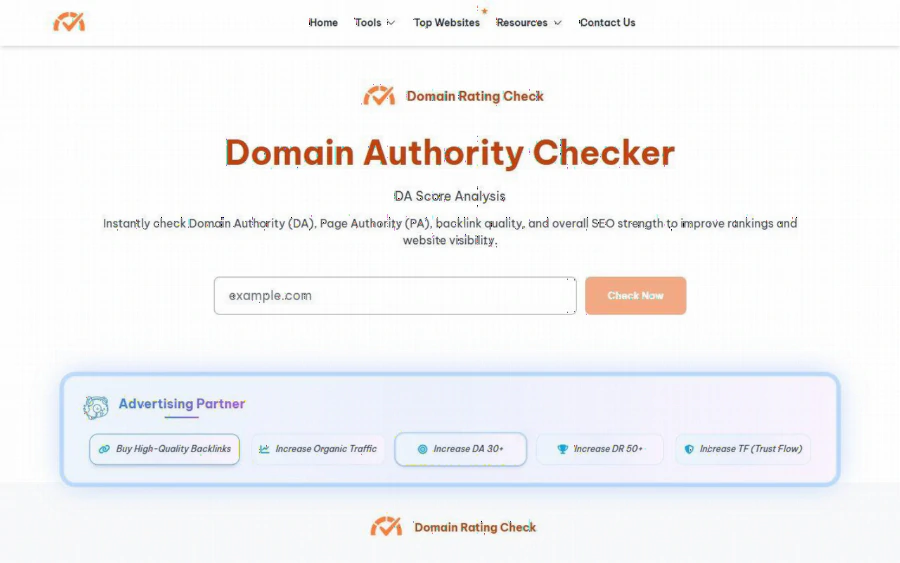
Domain Authority Checker page of Domain Rating Check with a domain input and the DA Score Analysis headline
Head to head: how it compares with the big three
The honest framing is that these are different kinds of product. Ahrefs, Moz and Majestic each run their own crawler and own their own metric. DR belongs to Ahrefs, DA belongs to Moz, and Trust Flow and Citation Flow belong to Majestic. Domain Rating Check is a single front door that presents all three families of numbers on one site.
| Question | Domain Rating Check | Ahrefs, Moz, Majestic directly |
|---|---|---|
| Who owns the metric? | Presents Moz style, Ahrefs style and Majestic style figures | Each vendor owns its own score |
| Cost to try | No price shown on the site | Vendor pricing and account terms apply |
| Account needed | Not mentioned on the pages we read | Typically yes for fuller reports |
| Depth of data | One summary per domain | Full link lists, history, alerts |
| Best use | Fast screening of many domains | Ongoing monitoring and audits |
Two points follow from this table. First, if you need to see exactly which pages link to a prospect, track changes over months or export reports for a client, a vendor suite is the right home, and a free summary tool is not a substitute. Second, if your question is "is this site roughly in the same league as ours," one page that shows DA, DR and Trust Flow side by side answers it faster than logging in to three products.
The DA checker page describes its output as "estimated Moz-style SEO metrics" produced from "available data." We read that as an important caveat. The numbers are estimates, not official Moz figures, and the page does not explain its data sources or update frequency. For a screen, that is acceptable. For a client report or a contract clause, it is not.
Reading the numbers without fooling yourself
The site publishes its own rules of thumb. It says a DA of 50 or more is considered strong for most industries, that DR 70 and above indicates an authoritative website, and it offers DA bands from 0 to 30 as low through 71 to 100 as excellent. It also states plainly that DA is not a Google ranking factor and does not guarantee rankings.
Those thresholds are a reasonable starting point, but a local property business should adjust them. A suburb guide with a DA of 28 that is read by people planning to buy in your postcode may be worth more to you than a national lifestyle site at DA 60 with no local readers. Metrics measure link strength, not audience fit.
There are also inconsistencies on the pages worth knowing about. The DA page lists "good" from 51 and "excellent" from 71 in its band list, while the explanatory text says 50 to 60 is good and above 60 is excellent. The Moz Spam Score is shown on a 0 to 17 scale on the DA page, while the homepage guidance talks about keeping Spam Score below 30 percent. If you rely on a spam threshold, pick one convention and apply it consistently, or cross check the flagged domains by hand.
Strengths and limits, stated plainly
Strengths we could verify on the public pages:
- One input box and a short wait, with no setup.
- A wide set of metrics from three families on one site, plus a Top Websites table labeled October 2026 for reference.
- Written explanations of DA, PA and the Moz and Majestic terms, which helps non specialists.
Limits we could also see:
- Estimated figures, with no stated source or refresh schedule.
- No history, alerts, exports or project features on the pages we read.
- Advertising on the page, including a banner for backlink and traffic services, and a sponsored gambling link. A property business that cares about brand adjacency should keep that in mind before sending clients or staff there, and should never treat the ads as endorsements.
Who should use it, and who should not
Use it if you are an agent, broker or small property publisher who screens a handful of link or guest post offers each month and needs a quick first pass. It also suits a solo marketer building a shortlist before paying for a deeper audit.
Skip it as your only tool if you manage link building for several agencies, report to clients with signed deliverables, or need auditable data. In those cases, pay for a vendor suite and treat the free checker as a convenience for early triage.
A simple routine to start with
1. Open the DR lookup page for a first screen and run the prospect domain, then run your own domain for a baseline.
2. Note DA, DR, backlinks and Spam Score in a small spreadsheet, one row per offer.
3. Drop any offer whose numbers are far below yours or whose spam reading looks high, and read the rest by hand: does the site publish real local content, and does it link out to sensible places?
4. For the one or two offers that survive, spend your paid tool time on them, where the deeper link data actually changes the decision.
That is the real value of a free checker in a property marketing workflow. It does not replace the big three. It decides which three offers deserve their attention.
Bình luận 0
Chưa có bình luận nào. Hãy là người đầu tiên chia sẻ ý kiến.